
What Beekeeper Studio does
Beekeeper Studio is an open-source SQL editor and database manager for Windows, macOS, and Linux. It connects to PostgreSQL, MySQL, SQLite, SQL Server, and many other databases, with a free Community edition and paid plans for more engines and team features.
Beekeeper Studio is a desktop SQL client and database manager. You connect to a database, browse its tables, write and run queries, and edit data, all in one app. It supports 26 database engines, including PostgreSQL, MySQL, MariaDB, SQLite, SQL Server, Oracle, Amazon Redshift, CockroachDB, ClickHouse, DuckDB, Google BigQuery, Snowflake, MongoDB, and Redis.
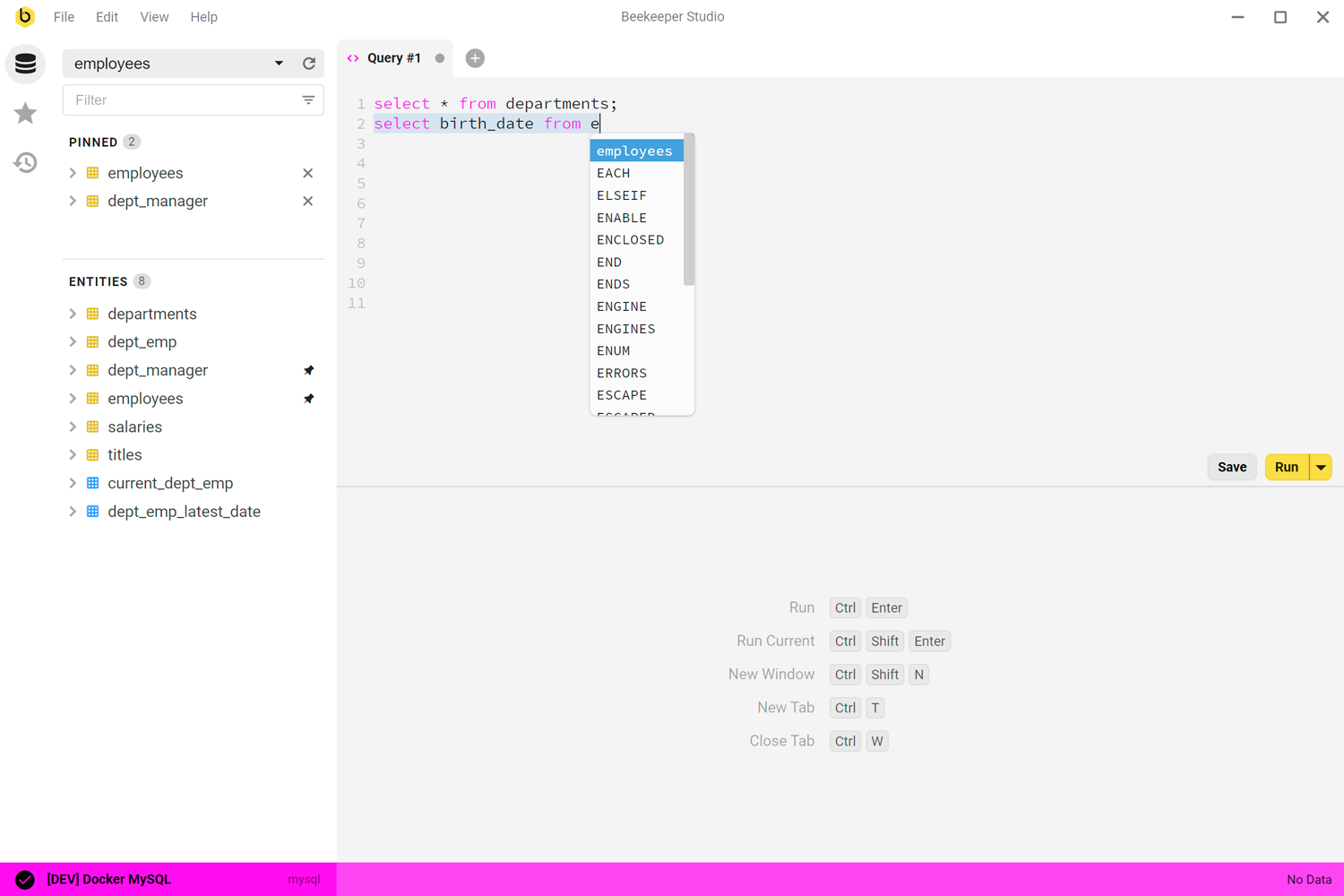
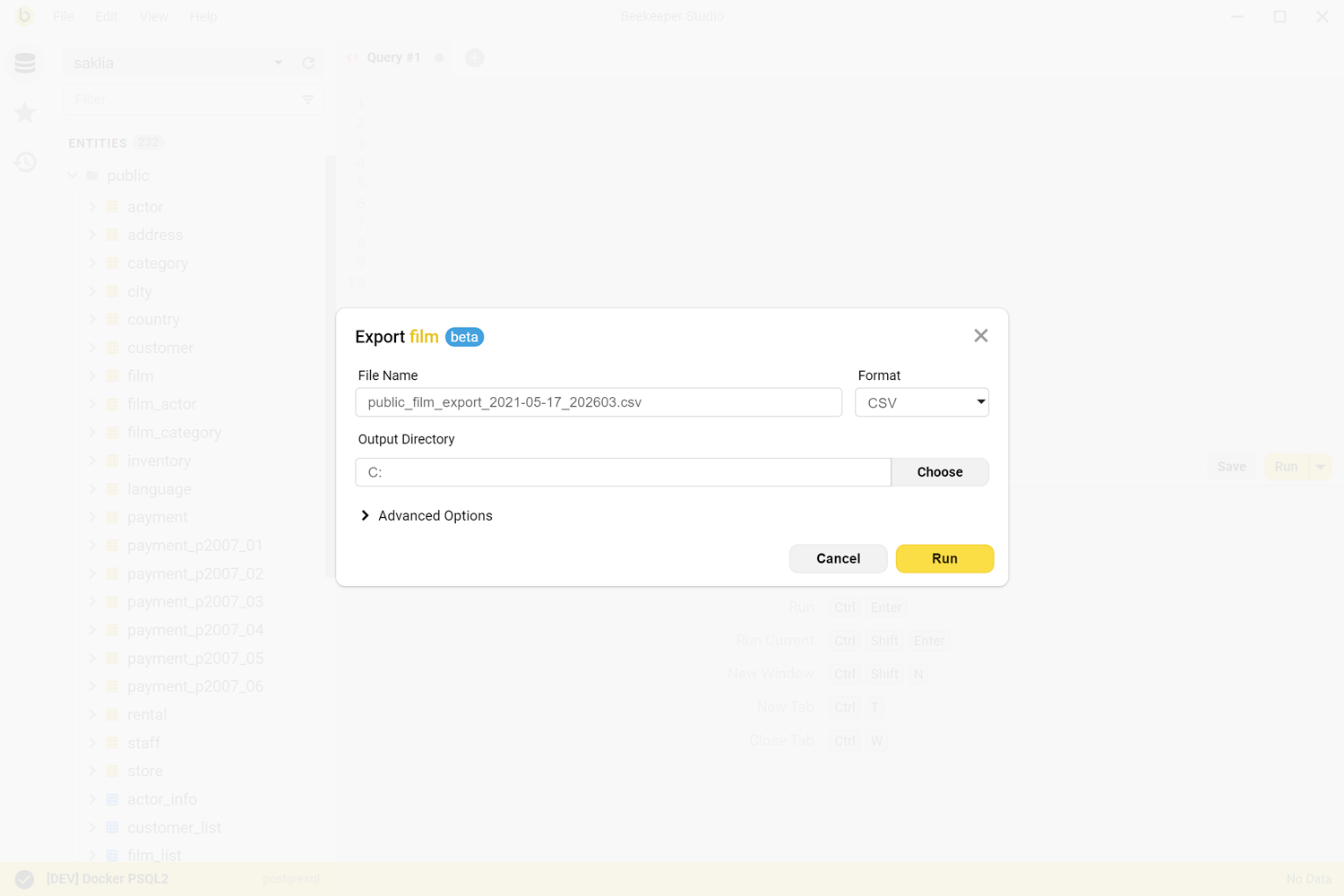
The SQL editor has syntax highlighting and autocomplete based on your tables, and saved queries and connections can be organized into folders. Tables open in a spreadsheet-like view for browsing and editing, and you can edit cells directly in query results. A table creator lets you build and change table structures, indexes, and foreign keys without writing SQL. Data can be imported from CSV or exported to CSV, JSON, JSONL, and SQL. Connections can use SSL or an SSH tunnel, and saved passwords are encrypted.
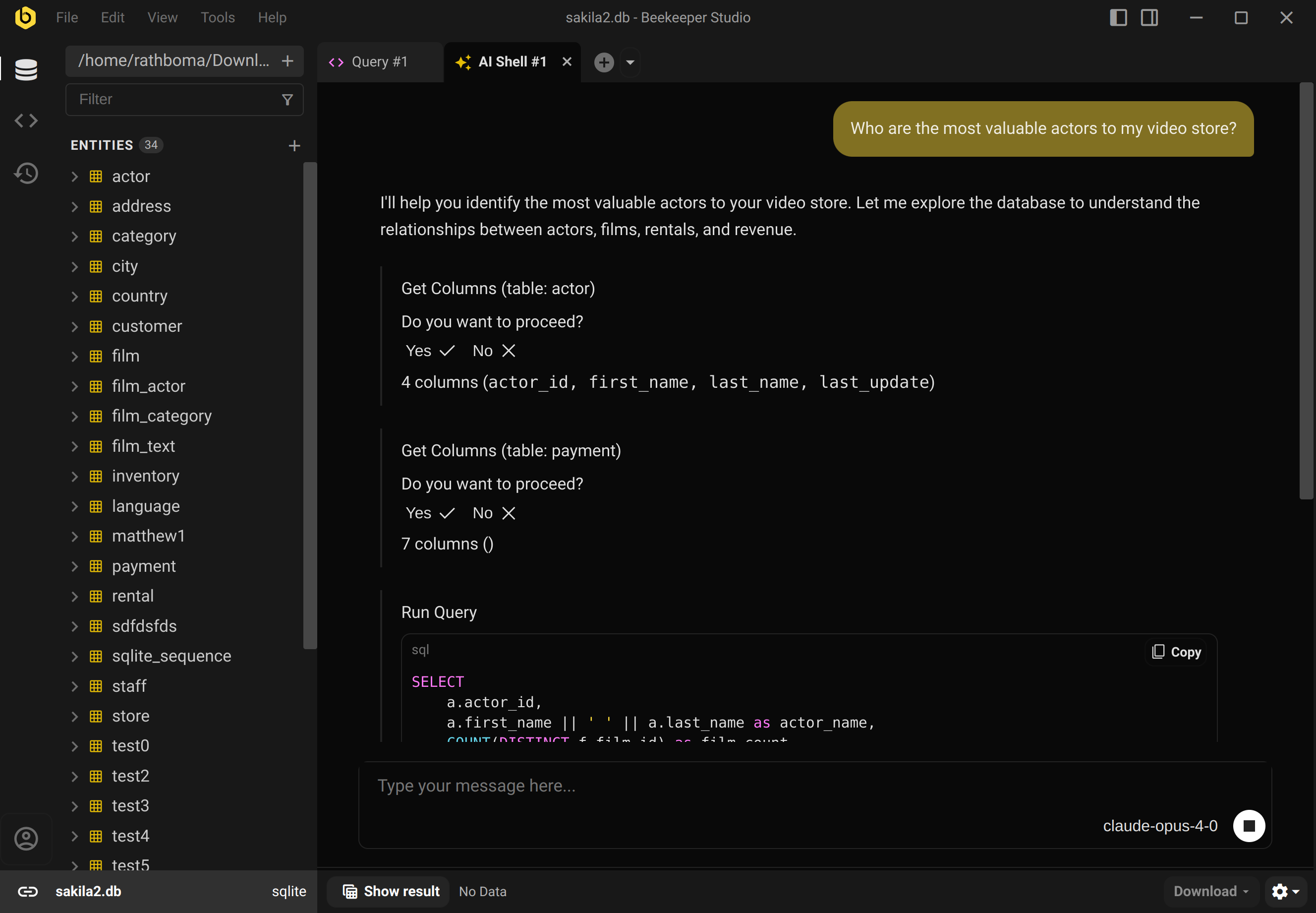
The AI Shell connects your database to an AI model of your choice. It can explore your schema, run SQL with your permission, and check its work against real data. Cloud Workspaces sync connections and saved queries across devices and share them with your team in shared folders, with data encrypted at rest and in transit.
The core app is open source under GPLv3, and paid modules are source-available on GitHub. Beekeeper Studio works offline, needs no cloud login, and has no ad tracking. It runs on Windows, macOS, and Linux with the same features on each. The company behind it is Beekeeper Studio, Inc.
The free Community edition covers the core editor, table editing, schema tools, SSH tunnels, and many databases. Paid plans are billed per user: Indie starts at $9 per month billed yearly, Professional at $14, and Business at $18, with higher month-to-month prices. Paid plans add more database engines, import and export, backup and restore, the AI Shell, and cloud workspaces. After 12 months of payments you keep a lifetime license for versions released in that period. A 14-day free trial of paid features needs no account or credit card.
Best for
Developers, data analysts, and database administrators who want a clean, cross-platform SQL client for many database engines.
Not for
People who want a browser-based database admin panel or a full BI and dashboard tool rather than a desktop SQL client.
Questions and answers
Is Beekeeper Studio free?
Yes. The Community edition is free to use and fully usable for everyday work. Paid plans add more databases and features.
Which databases does it support?
It supports 26 databases, including PostgreSQL, MySQL, SQLite, SQL Server, Oracle, MongoDB, ClickHouse, DuckDB, BigQuery, and Snowflake. Some engines require a paid plan.
How does the lifetime license work?
After 12 months of payments, you can keep using the paid features in versions released during that period forever, even if you cancel.
Is there a free trial?
Yes. You can start a 14-day free trial of paid features from the app, with no account or credit card required.
Does it work offline?
Yes. Beekeeper Studio works offline by default, needs no cloud login, and has no telemetry.