

What Scriptable does
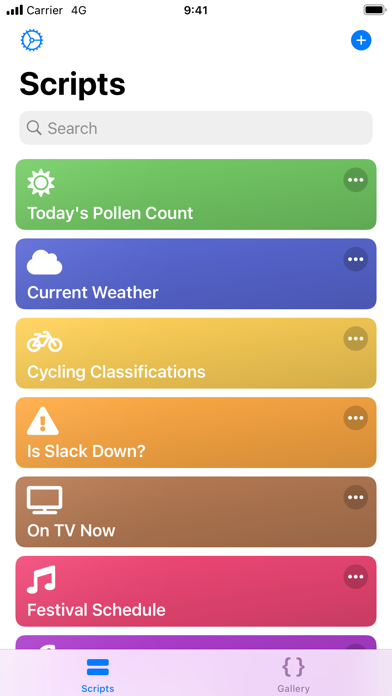
Scriptable is an iPhone and iPad app for automating iOS with JavaScript. Scripts can use native features such as files, calendars, reminders, and location, and can run as Home Screen widgets or from Siri Shortcuts.
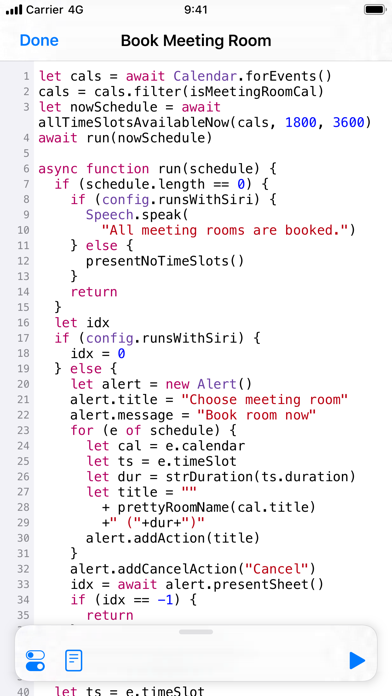
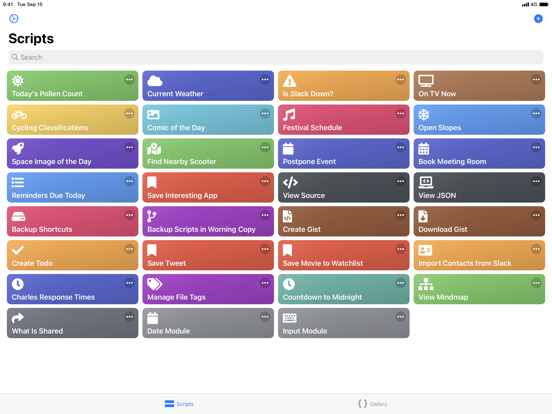
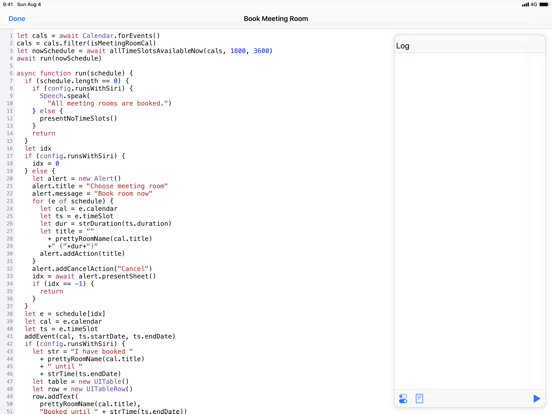
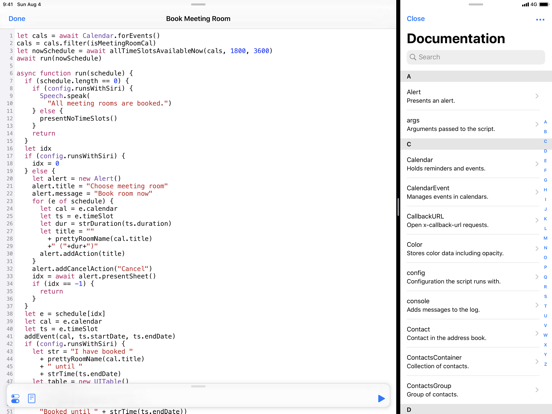
Scriptable lets you write and run JavaScript on iPhone and iPad. It supports JavaScript ES6, and the scripts are stored as plain .js files that you can browse in the Files app and sync between devices with iCloud Drive.
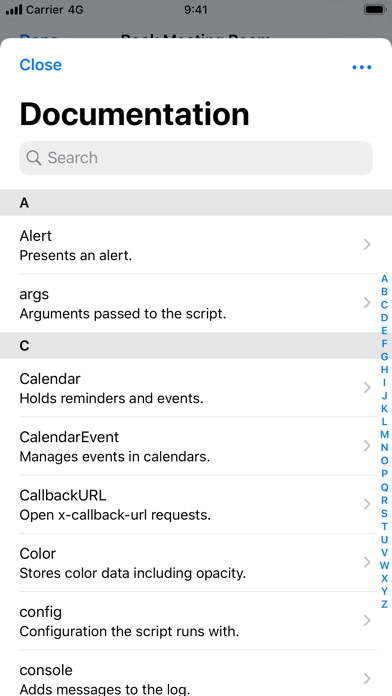
What makes it useful is the bridge to native iOS features. From a script you can work with files, calendars, reminders, contacts, photos, location, the pasteboard, web views, and more. Every bridged API is documented, and the documentation is available offline inside the app as well as online at docs.scriptable.app.
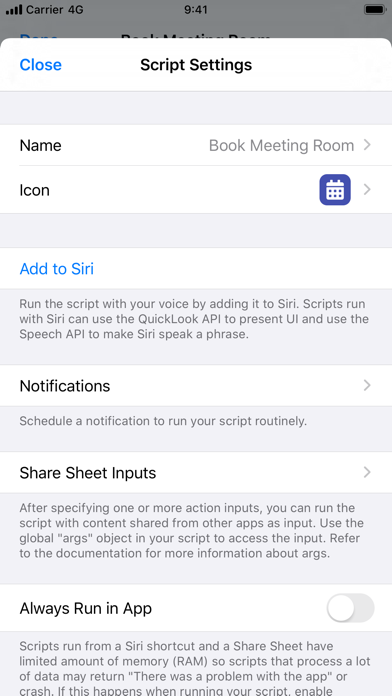
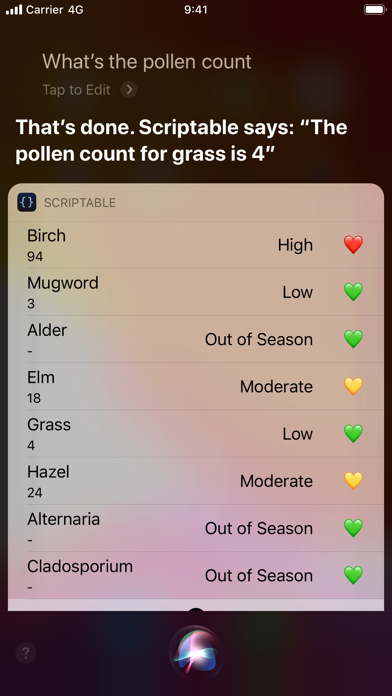
Widgets are a large part of the app. You can build your own Home Screen and Lock Screen widgets in JavaScript that show any data you choose, for example readings from a weather station, and they run without opening the app. Scripts can also run from Siri Shortcuts, where they can show tables, images, websites, and HTML or have Siri read text aloud, with support for input and output parameters.
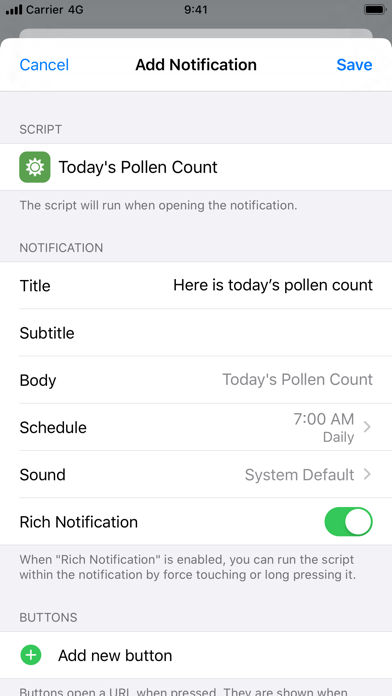
There are several other ways to start a script: from the share sheet to process shared content, from scheduled notifications, through URL schemes, and with x-callback-url to talk to other apps. The editor has autocomplete for variables, functions, and properties, and it can be customized. Example scripts help you get started.
Scriptable is made by Simon Støvring in Denmark. The app is free on the App Store, with optional tips as in-app purchases. It runs on iPhone and iPad.
Best for
iPhone and iPad users who know some JavaScript and want to build their own widgets and automations.
Not for
People who do not want to write code, and Android users. Apple's Shortcuts app is a simpler choice for no-code automation.
Questions and answers
What language does Scriptable use?
Scriptable uses JavaScript and supports ES6. Scripts are stored as plain JavaScript files on disk.
Can I make my own widgets?
Yes. You can write widgets in JavaScript that show any data you want, and they run on the Home Screen and Lock Screen without opening the app.
Does it work with Siri Shortcuts?
Yes. Scripts can run from Siri Shortcuts, show tables, images, websites, and HTML in Siri, and use input and output parameters.
Is there documentation?
Yes. All native APIs bridged to JavaScript are documented. The docs are available offline in the app and online at docs.scriptable.app.
How much does Scriptable cost?
Scriptable is free on the App Store. Optional tips are available as in-app purchases.