What Super Productivity does
Super Productivity is a free, open-source task manager with built-in time tracking, a Pomodoro timer, and calendar timeboxing. It works offline without an account on desktop, mobile, and the web.
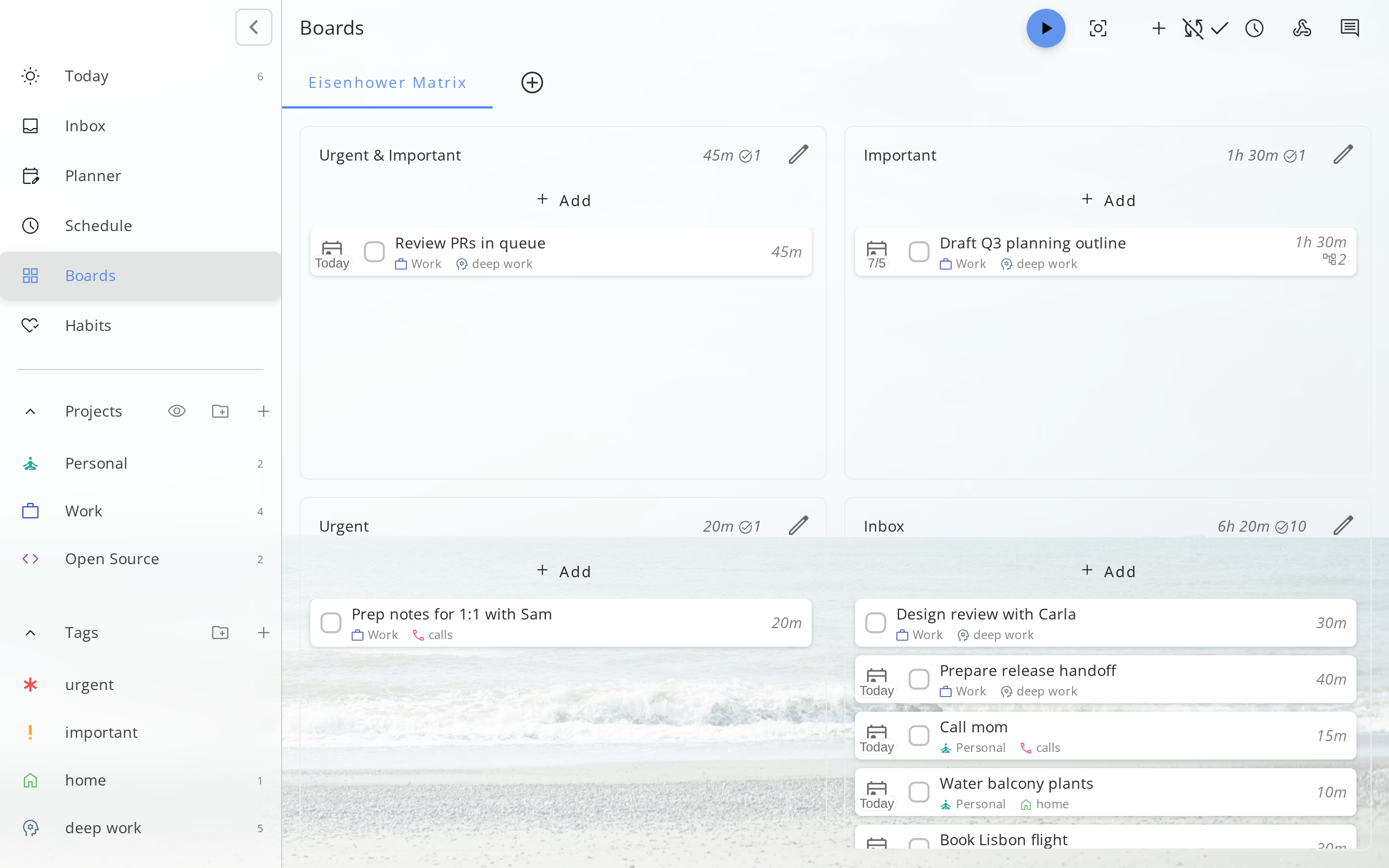
Super Productivity combines a to-do list, a time tracker, and focus tools in one app. You organize tasks as lists, a Kanban board, or an Eisenhower matrix, with subtasks, notes, tags, projects, and repeating tasks.
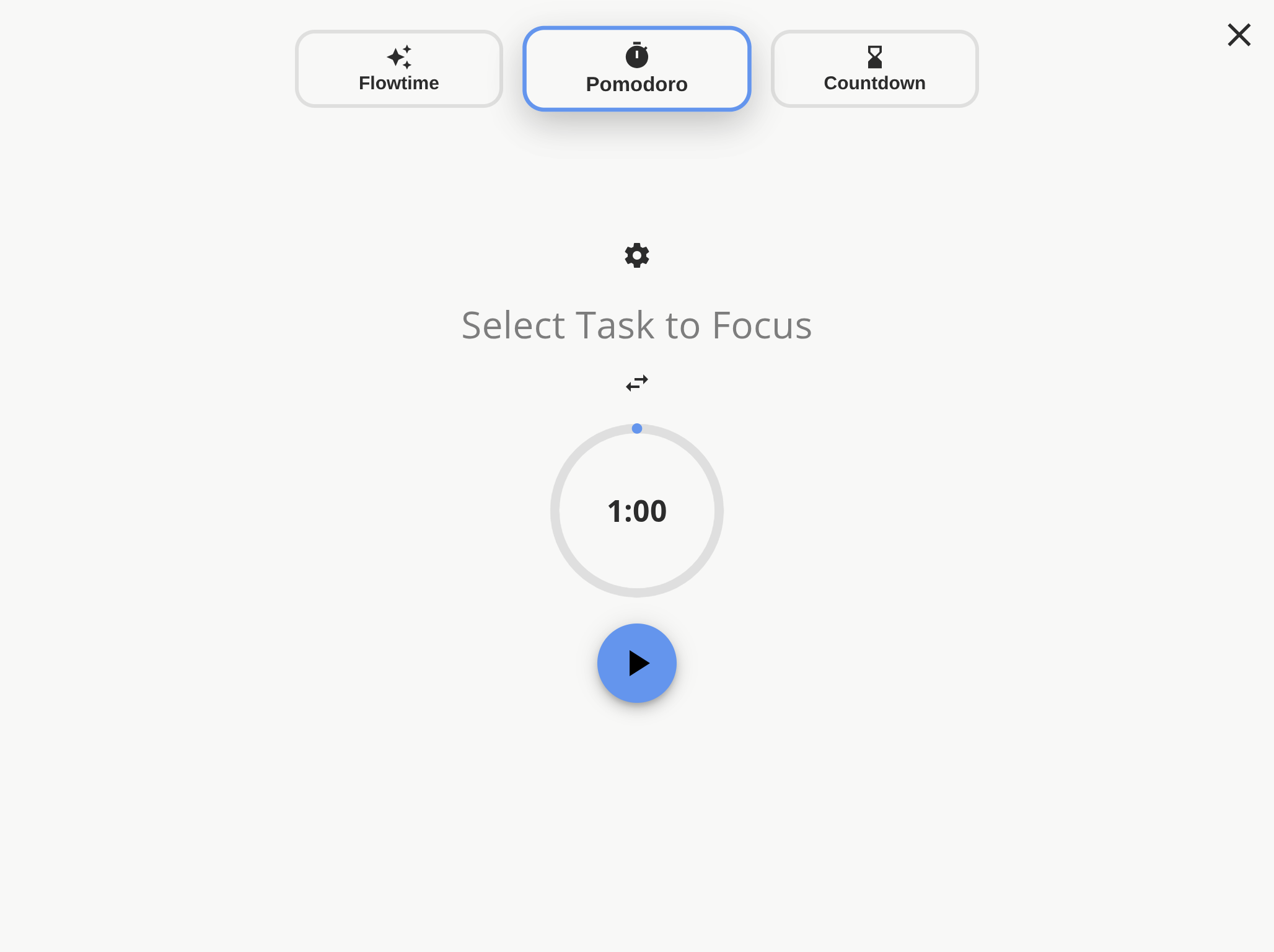
When you start a task, the app tracks your time, and it turns that time into timesheets and work reports. Focus mode, a Pomodoro timer, and break reminders support deep work, and you can bring in your calendar to timebox tasks into a realistic day.
It is local-first. There is no account, the app works offline, and your data stays on your device unless you choose to sync it. Keyboard shortcuts cover capturing, switching, and navigating tasks, and plugins and themes let you adapt it.
Super Productivity is built mainly by one developer, Johannes Millan, and released as open source on GitHub. It runs on Windows, macOS, Linux, Android, iOS, and in the browser, and it is free to use.
For developers, it can import issues from services such as GitLab, Jira, and OpenProject, so tickets become tasks with tracked time. The website includes guides on Getting Things Done, time boxing, deep work, and ADHD-friendly planning, and a comparison with other productivity apps. The project accepts sponsorships on GitHub and welcomes contributions and bug reports there.
Best for
Developers, freelancers, and anyone who wants tasks and time tracking in one private, offline app.
Not for
Teams that need shared projects and permissions in the cloud.
Questions and answers
Is Super Productivity free?
Yes. It is free and open source.
Do I need an account?
No. The app works without an account and offline, and your data stays on your device unless you set up sync.
Which platforms does it run on?
Windows, macOS, Linux, Android, iOS, and the web.
Does it track time?
Yes. Time tracking is built in and produces timesheets and work reports.